
Description
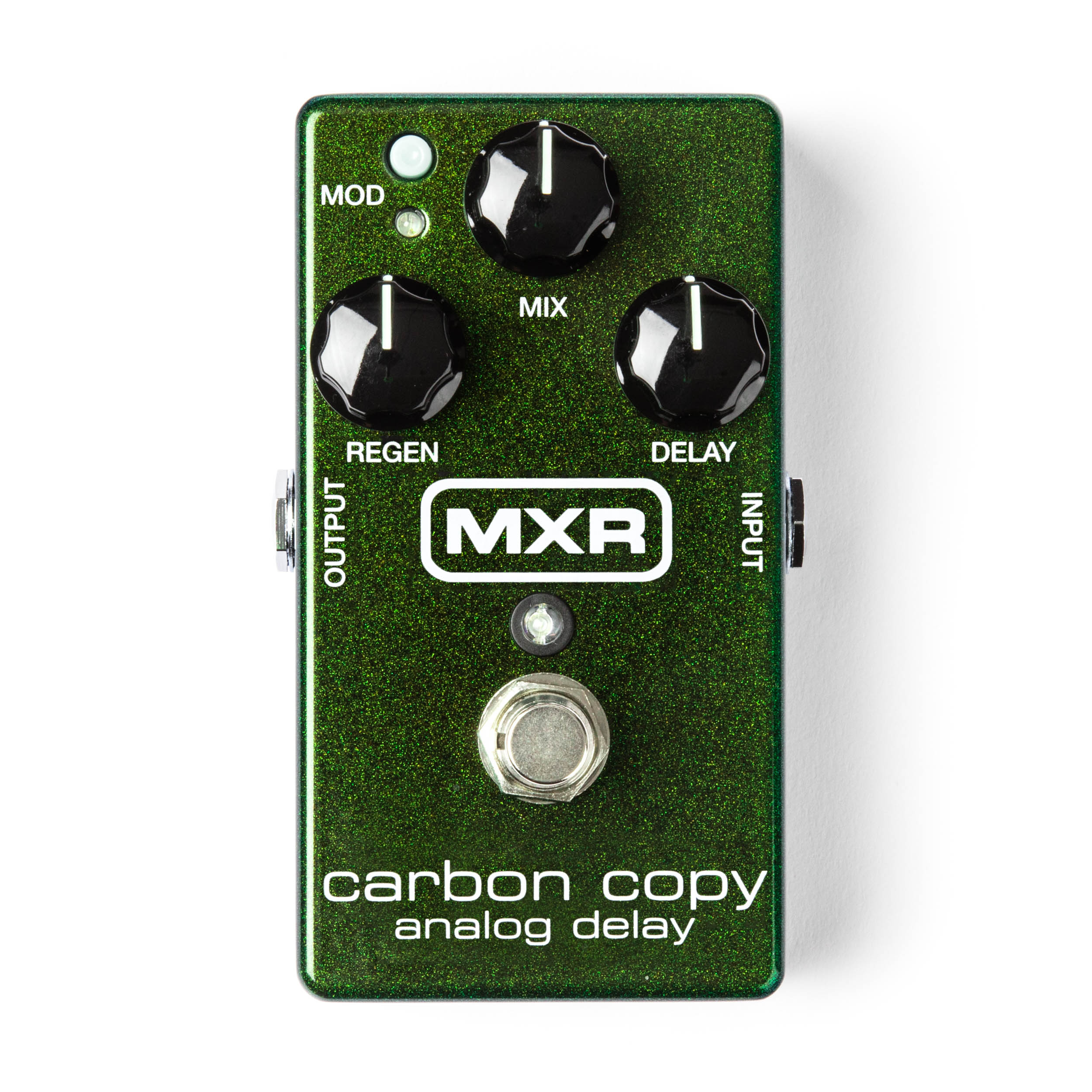
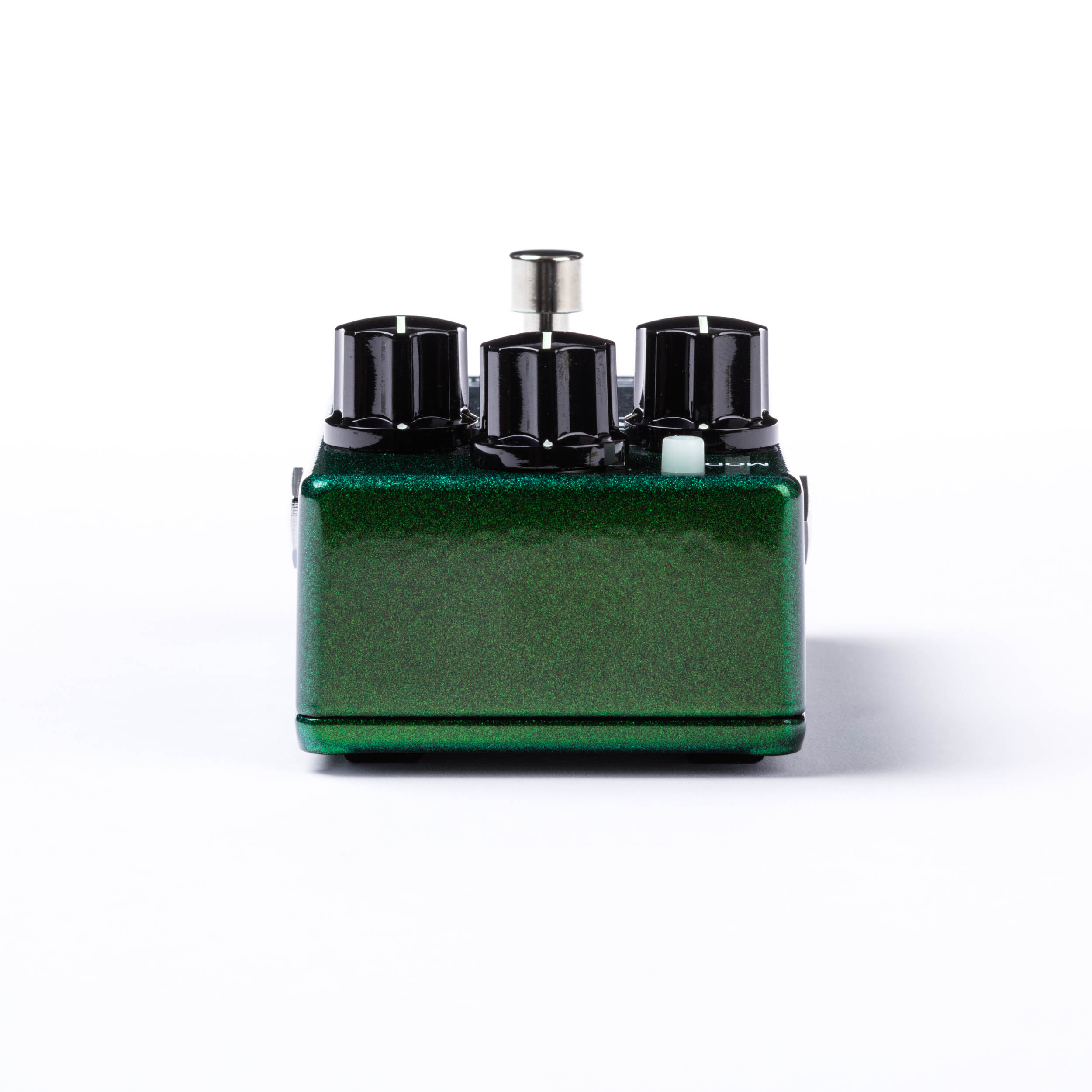
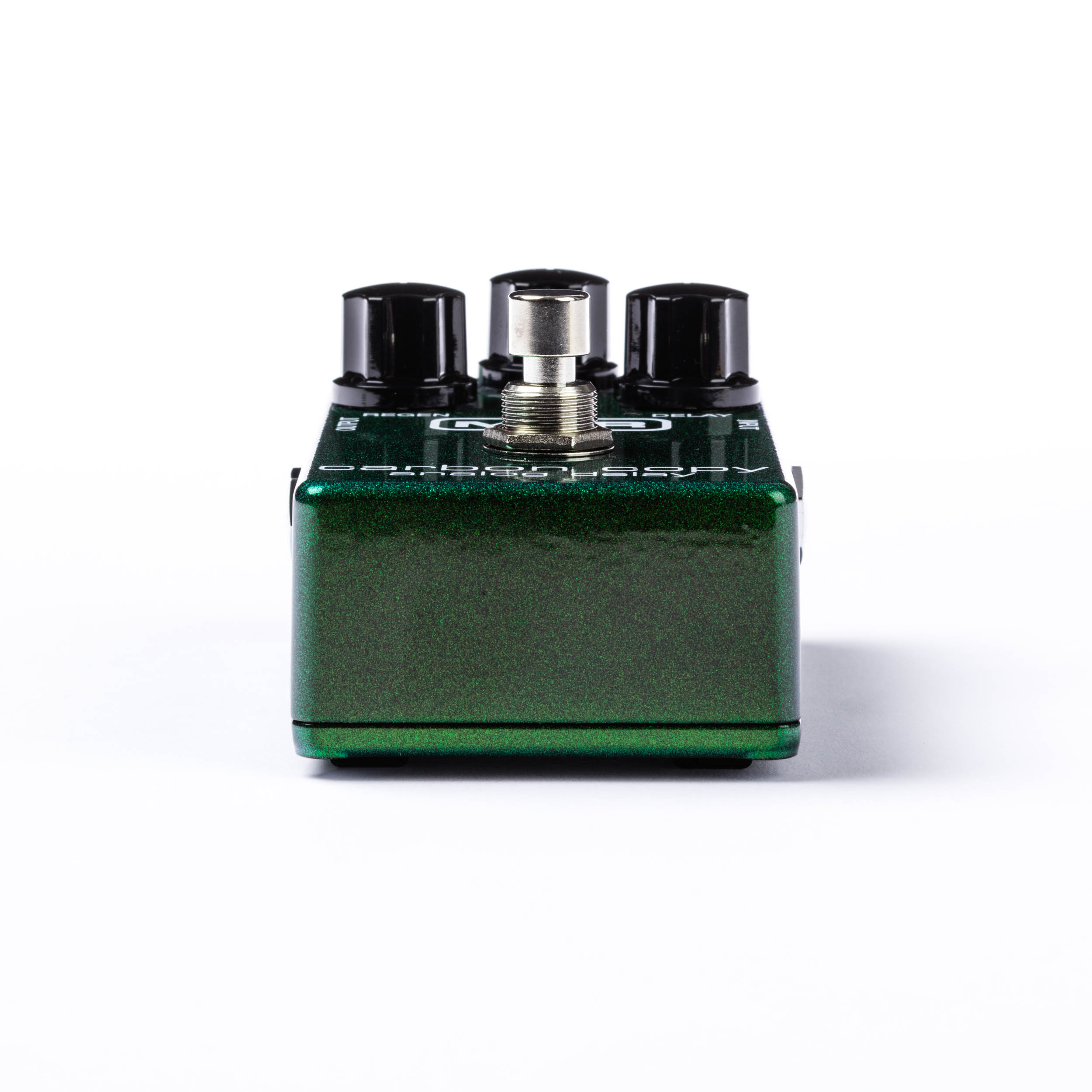
The Carbon Copy Analog Delay delivers rich, warm bucket-bridgade delay with up to 600ms of delay time and modulation.
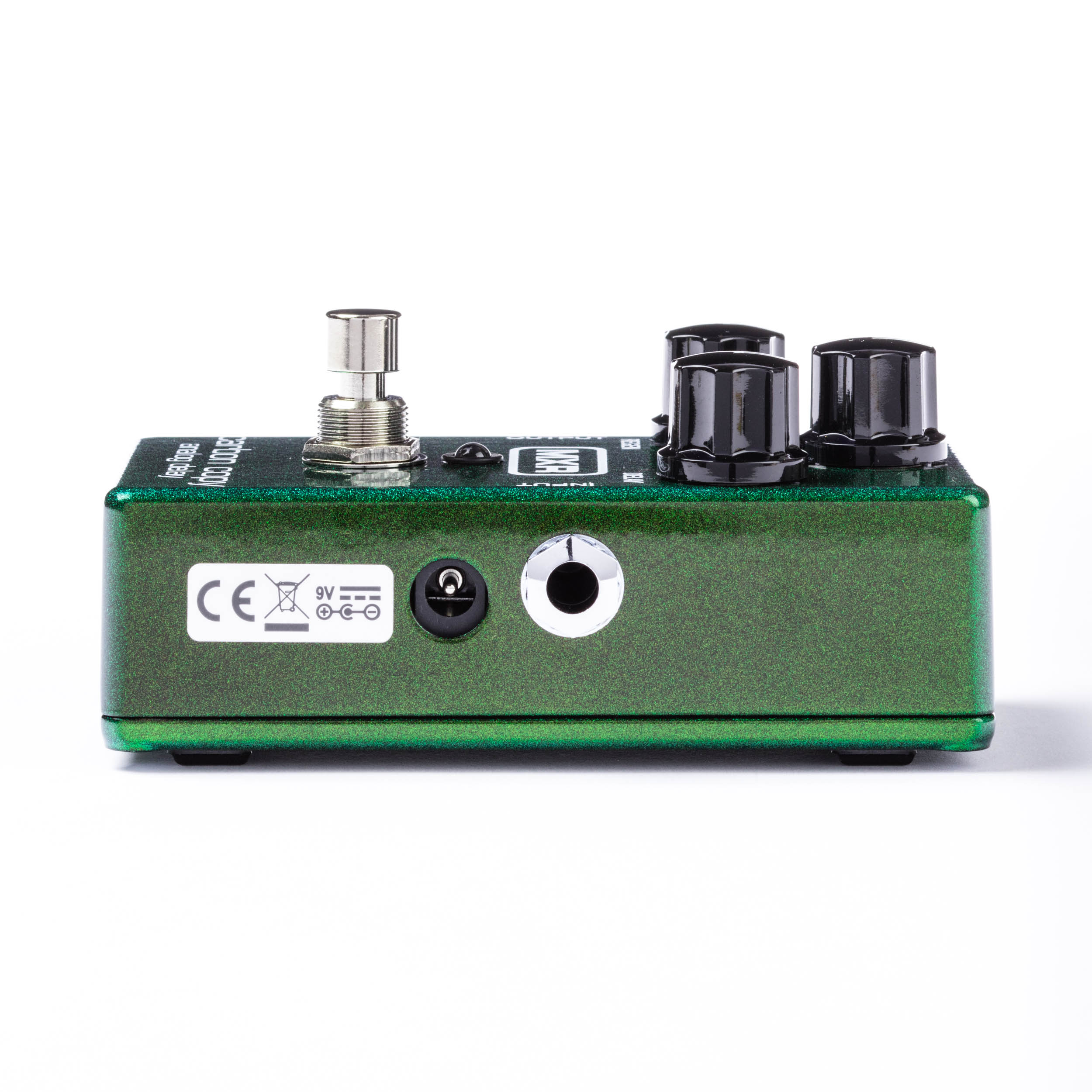
This pedal can be powered by a 9-volt battery, a Dunlop ECB003 9-volt adapter, or the DC Brick™, Iso-Brick™, and Mini Iso-Brick™ power supplies (not included).
DESCRIPTION
• 100% analog bucket-
brigade technology
• Up to 600ms of delay with
switchable modulation
• Internally adjustable
modulation circuit
• True bypass
POWER
The MXR Carbon Copy Analog
Delay is powered by one 9-volt
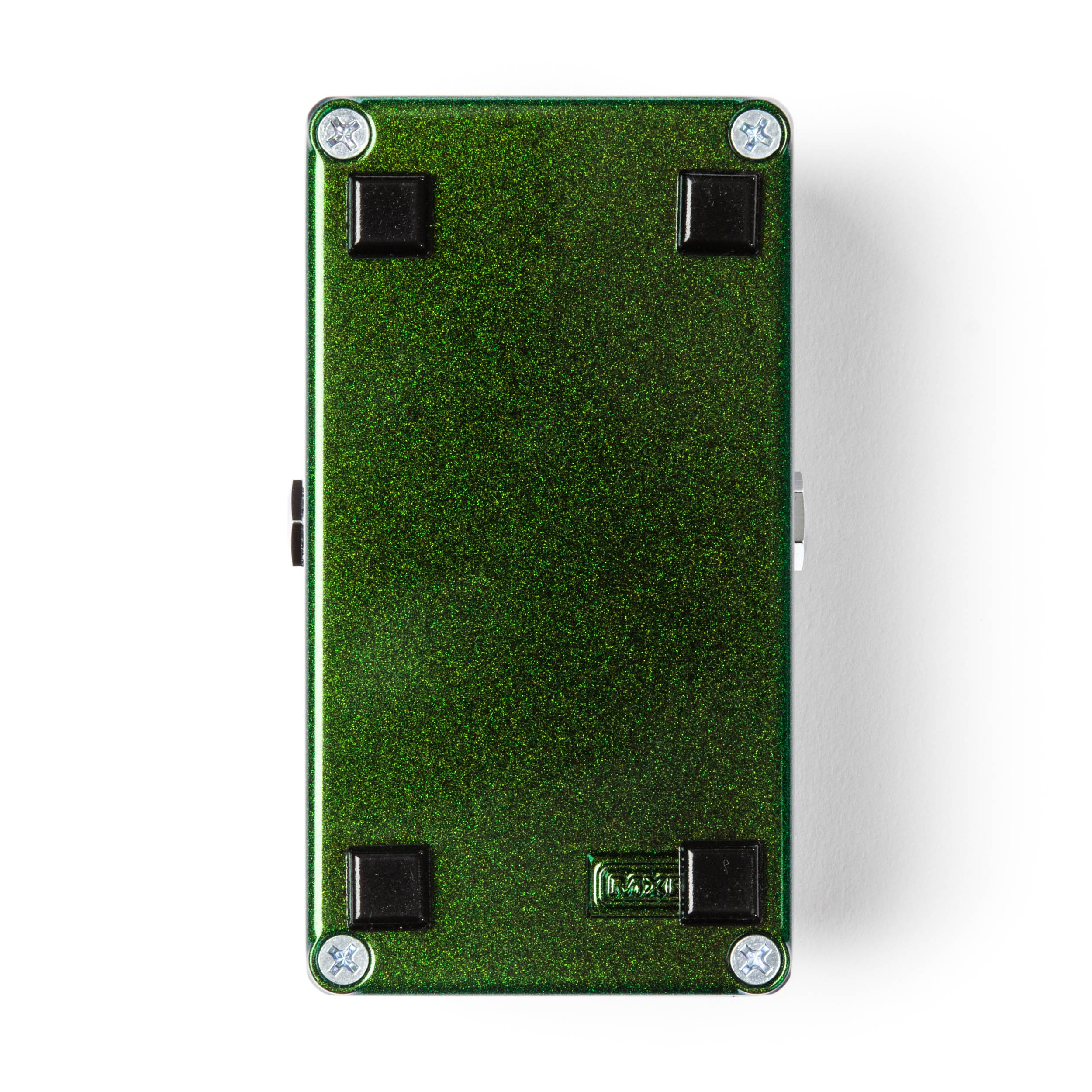
battery (remove bottom plate to
install), a 9-volt AC Adapter such
as the Dunlop ECB003/ECB003EU
or a DC Brick™ power supply
DIRECTIONS
1. **Connect your guitar to the Carbon Copy:**
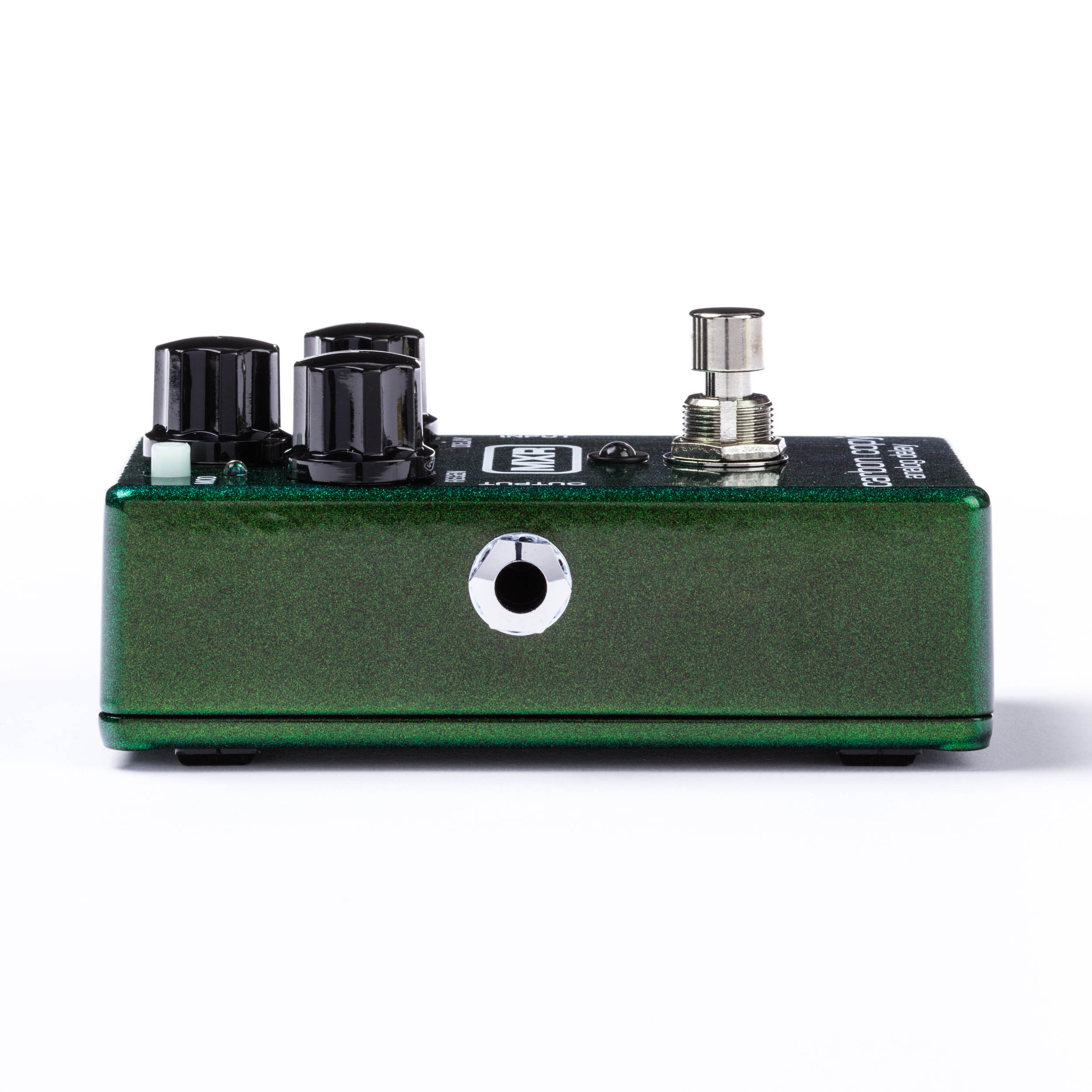
Use a cable to connect your guitar to the INPUT jack of the Carbon Copy. Then, connect another cable from the OUTPUT jack of the Carbon Copy to your amplifier.
2. **Set your controls:**
Start with all the control knobs set to the 12 o’clock position.
3. **Activate the effect:**
Depress the footswitch to turn the effect on.
4. **Adjust the REGEN knob:**
Rotate the REGEN knob clockwise to increase the number of repeats, or counterclockwise to decrease it.
5. **Modify the MIX knob:**
Rotate the MIX knob clockwise to increase the ratio of wet (effected) to dry (unaffected) signal, or counterclockwise to decrease it. Setting it fully clockwise will give you a 100% wet signal, while setting it fully counterclockwise will provide a 100% dry signal.
6. **Change the DELAY time:**
Rotate the DELAY knob clockwise to increase the delay time or counterclockwise to decrease it.
7. **Add modulation:**
Push in the MOD switch to add modulation to your delay signal. You can adjust the modulation width and speed internally using a 2mm slotted screwdriver (refer to Diagram A).